
 By Nick John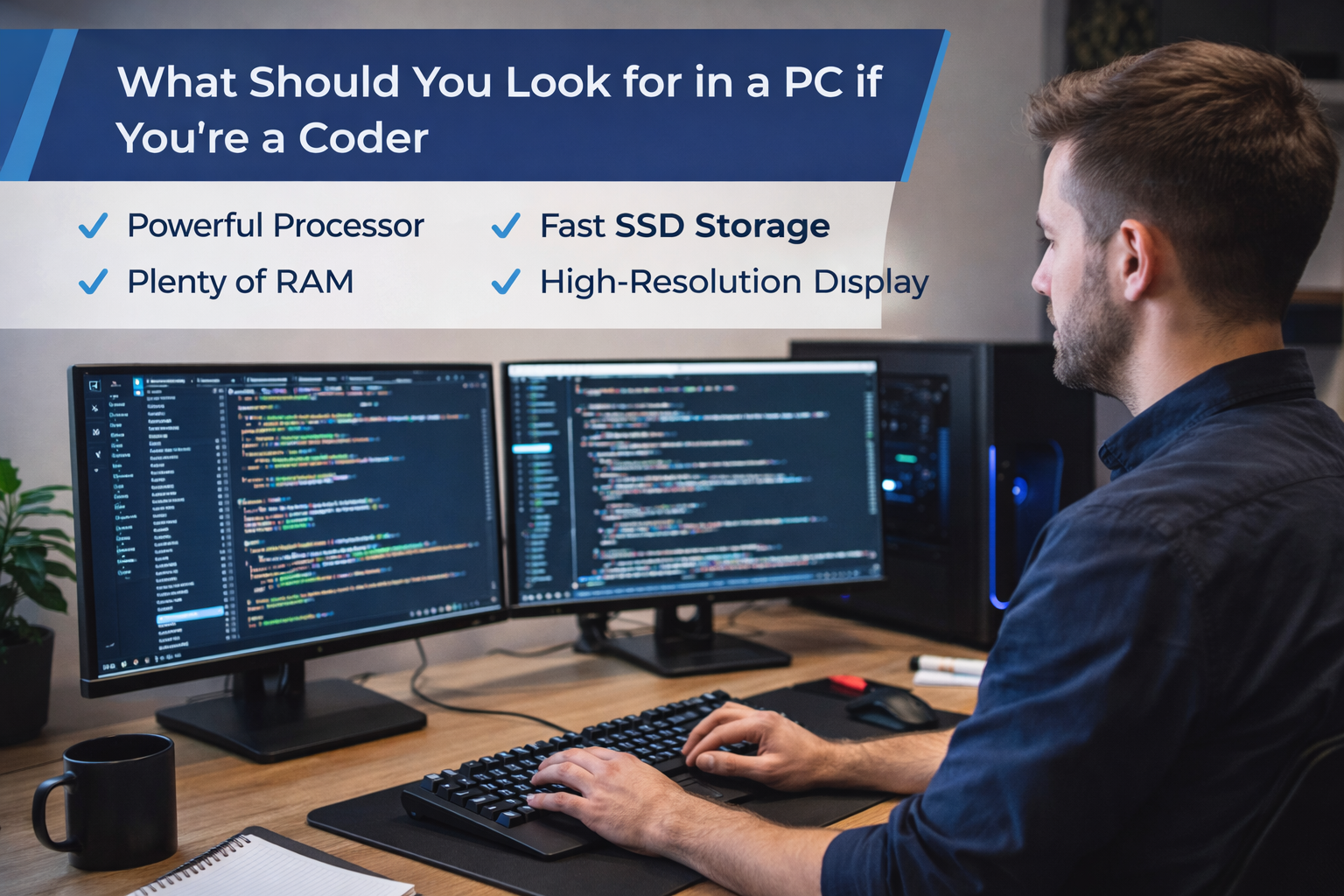
As a coder, picking the right PC isn’t about getting the most expensive one or following spec sheets without thinking. It’s about knowing how you work, what you make, and where your work might go in the future. A developer who writes frontend code in JavaScript has very different needs than someone who trains machine learning models or compiles big C++ projects.
If you’re a coder, this guide tells you in simple, easy-to-understand language what you should really look for in a PC. We won’t drown you in bullet points and raw specs. Instead, we’ll go through each part in a clear, paragraph-driven way so you can choose a system that helps you get things done instead of slowing you down.
Understanding Your Coding Needs Comes First
You need to know what kind of coding you do before you even look at processors or RAM numbers. There are many different types of coding, and each one requires a different set of hardware skills.
Your work as a web developer is usually focused on browsers and IDEs if you mostly work with HTML, CSS, JavaScript, and frameworks like React or Vue. The best system has a good balance of single-core performance and enough RAM.
Backend developers who use Java, Python, Node.js, or .NET often run servers on their own machines, manage databases, and manage containers. More RAM and better multi-core CPUs will help with these tasks.
Emulators use a lot of resources, so mobile app developers who use Android Studio or Xcode need powerful CPUs, a lot of memory, and fast storage. In the same way, game developers and machine learning engineers need high-end CPUs and powerful GPUs.
Knowing where you’re going with your code will help you avoid spending too much on unnecessary power or, even worse, not having enough.
The Processor: The Brain of Your Coding Machine
For a coder, the processor (CPU) is the most important part. It is needed for every compile, build, test, and run.
Most developers will be fine with Intel or AMD’s modern multi-core processors. The most important thing is to find the right balance between the number of cores and the clock speed. Higher clock speeds make things more responsive and speed up single-threaded tasks. More cores, on the other hand, are better for compiling, parallel builds, virtualization, and running multiple apps at once.
Entry-level coders can easily work with mid-range CPUs, but professionals who work with a lot of code or build often should aim higher. If you use Docker containers, virtual machines, or CI-like local environments at work, having more cores makes a big difference.
A powerful CPU not only saves you time, but it also keeps your mind fresh by keeping your work flow smooth and free of interruptions.
RAM: The Unsung Hero of Developer Productivity
RAM has a big impact on how smooth your coding experience is. A lot of developers don’t realize how important it is until they have slowdowns, freezes, or have to keep swapping disks.
If you’re only doing light coding, 8GB of RAM might be enough, but it doesn’t leave much room for growth. Memory fills up quickly when you open an IDE, several browser tabs, a local server, and maybe even a database.
Most programmers today find that 16 GB of RAM is the best amount. It lets you do multiple things at once without making your system slow down. If you like developing for Android, doing data science, virtualization, or running more than one service at a time, 32GB is a good investment.
More RAM doesn’t make your code “better,” but it does keep your computer responsive, which directly helps you stay focused and get more done.
Storage: Why Speed Matters More Than Size
For developers, speed is much more important than raw capacity when it comes to storage. When you start IDEs, index projects, or compile code, traditional hard drives can really slow down your system.
You can’t live without Solid State Drives (SSDs) anymore. An NVMe SSD, in particular, can cut down on boot times, file searches, and build times by a lot. Every day, you’ll notice the difference.
For most coders, 512GB is a good starting point in terms of storage space. 1TB or more is safer if you work with large repositories, Docker images, virtual machines, or game assets. A lot of developers also use fast SSDs with external or secondary drives for backups and archives.
Fast storage keeps your work flow going and cuts down on those little delays that add up to lost productivity.
Graphics Card: Do Coders Really Need One?
Not every programmer needs a separate graphics card, but some do.
Integrated graphics are usually enough if you only do web development, scripting, backend services, or general programming. Today’s CPUs can easily handle displays and simple graphics tasks.
If you work in game development, machine learning, 3D modeling, video processing, or GPU-accelerated computing, though, a dedicated GPU is very important. NVIDIA GPUs can greatly improve frameworks like TensorFlow and PyTorch because they support CUDA.
When picking a GPU, don’t let hype get in the way. For many coders, spending more on CPU, RAM, and storage gives them better results than spending a lot on graphics power.
Display Quality: Your Eyes Will Thank You
Coders spend a lot of time looking at screens, so the quality of the display is more important than most people think.
Resolution is very important. 1080p Full HD is fine, but higher resolutions like QHD or 4K give you more screen space, which lets you see more code at once. This cuts down on scrolling and helps keep things in context.
The size of the screen is also important. When working with documentation, debugging tools, or design previews next to code, bigger screens or dual-monitor setups can make a big difference in how much you get done.
The type of panel can make your eyes more comfortable. IPS panels have better color accuracy and viewing angles, which makes them easier on the eyes when you use them for a long time. A matte finish helps cut down on glare, and being able to change the brightness is important for different lighting conditions.
A good display not only makes things clearer, but it also helps your eyes and mind relax over time.
Keyboard and Input Comfort: Small Details, Big Impact
The keyboard is a coder’s main way of interacting with a PC, so the quality of the keyboard is very important.
A keyboard that feels good and has good key travel can help you type more accurately and with less strain on your fingers. Some programmers like mechanical keyboards, while others like laptop-style keys. The best choice is the one that feels right to you for a long time.
Trackpads and mice are also important. A responsive and accurate trackpad makes it easier to find your way around on a laptop. People who use desktops should buy a comfortable mouse, especially if they switch between code, terminals, and browsers a lot.
Ergonomics may seem unimportant, but they have a direct impact on comfort, speed, and even health over time.
Ports and Connectivity: Don’t Overlook Practical Needs
A coder’s computer often connects to more than one device, such as external monitors, keyboards, mice, storage drives, and sometimes hardware boards.
Having enough USB ports keeps you from getting mad. USB-C and Thunderbolt support are very helpful for moving data quickly and using external displays. For setups with more than one monitor, HDMI or DisplayPort outputs are a must.
It’s also important to have reliable Wi-Fi and Ethernet connections. Cloud services, repositories, and online documentation are important for many development tasks. Unstable connections make it hard to stay focused and slow down work.
People don’t often pay attention to these small details, but they are what make your setup work well with your daily tasks.
Battery Life and Portability for Mobile Coders
Battery life is very important if you code on the go. If you have to plug in a powerful machine all the time, it’s not useful.
Ultrabooks and laptops made for developers now have great battery life without losing power. Long coding sessions are possible even when there aren’t any outlets, thanks to efficient processors and optimized operating systems.
Portability is also important. Lightweight designs make travel less tiring, and solid build quality makes sure that the item will last. If you often work from cafés, coworking spaces, or client offices, being able to move around easily can make you much more flexible.
Operating System: Choosing What Fits Your Workflow
The operating system affects the whole process of developing.
Windows works with a lot of different software and has great support for business tools. It is now much easier for developers to use WSL (Windows Subsystem for Linux).
Web and mobile developers like macOS because it is based on Unix, runs well, and works well with hardware and software.
Linux is the best choice for backend developers, system programmers, and open-source contributors because it gives them so much freedom and control.
There is no one “best” OS for everyone; it all depends on your tools, preferences, and project needs.
Upgradability and Longevity: Think Long-Term
A good coding PC should last you for a few years. This is when being able to upgrade is important.
Desktops are usually more flexible because you can add more RAM, storage, or even a new CPU later. Because laptops are more limited, it’s important to choose the right specs from the start.
The quality of the build also affects how long it lasts. A system that is well-cooled and made of strong materials will keep working longer and not slow down because of heat.
Long-term planning saves money and stops you from having to upgrade too soon.
Budgeting Smartly as a Developer
You don’t have to have the best computer to be a great coder. Smart budgeting means putting money where it will do the most good.
Most developers find that putting CPU performance, enough RAM, and fast storage at the top of their list of priorities makes them more productive. You can often skip over fancy designs and extra features.
A system that is balanced and fits your workflow will always work better than a machine that is too powerful and not used properly.
Why Thoughtful PC Choices Matter for Coders
A slow or poorly matched PC doesn’t just waste time; it also makes it hard to focus. It takes a lot of concentration to code, and system lag makes it hard to stay focused.
A good PC becomes invisible. It fades into the background, which lets you think clearly, try things out, and solve problems without any problems.
That’s the main goal: to make a machine that helps you think instead of competing with it.
Frequently Asked Questions (FAQs)
1. Will 8GB of RAM be enough for coding in 2026?
8GB is still fine for very light coding, but it’s getting less and less useful. Most developers will get a lot out of 16GB, especially when they are working on more than one thing at a time.
2. Do I need a strong GPU to make websites?
No. Most of the time, web development doesn’t need a separate GPU. Integrated graphics are fine unless you need to do a lot of graphics work.
3. Is it better to code on a laptop or a desktop?
Laptops are portable, but desktops are better for upgrading and getting more performance for your money. It depends on how you work which one is best.
4. Does the speed of an SSD really affect how well you code?
Yes. Faster SSDs cut down on build times, make the system more responsive, and speed up file operations, making coding easier every day.
5. What is the best OS for coders?
There is no one best operating system. Depending on the tools, preferences, and needs of the project, Windows, macOS, and Linux are all good for developers.
A Quick Word About Learning and Staying Updated
Picking the right PC is just one step toward becoming a better coder. It’s also important to keep up with tools, trends, and workflows. Buzz Planets and other platforms like it regularly look at technology, productivity, and digital trends in a way that is easy to understand and useful for regular people. It’s worth keeping an eye on if you like tech content that is both deep and easy to understand.
Conclusion
A coder’s PC is more than just a piece of hardware; it’s a daily tool for solving problems and being creative. You can pick a system that improves focus, speed, and long-term satisfaction by focusing on real needs instead of flashy specs.
The right PC lets you work smarter, not harder, whether you’re just starting to learn how to code or improving your professional setup.
Summary
To choose the best PC for coding, you need to know what you need for development. Put a strong CPU, enough RAM, fast SSD storage, and a comfortable display at the top of your list. GPUs are only necessary for certain tasks, but ergonomics, connectivity, and the choice of operating system have a big impact on how productive you are every day. A well-balanced PC helps you stay focused, work quickly, and grow as a coder over time.