
 By Nick John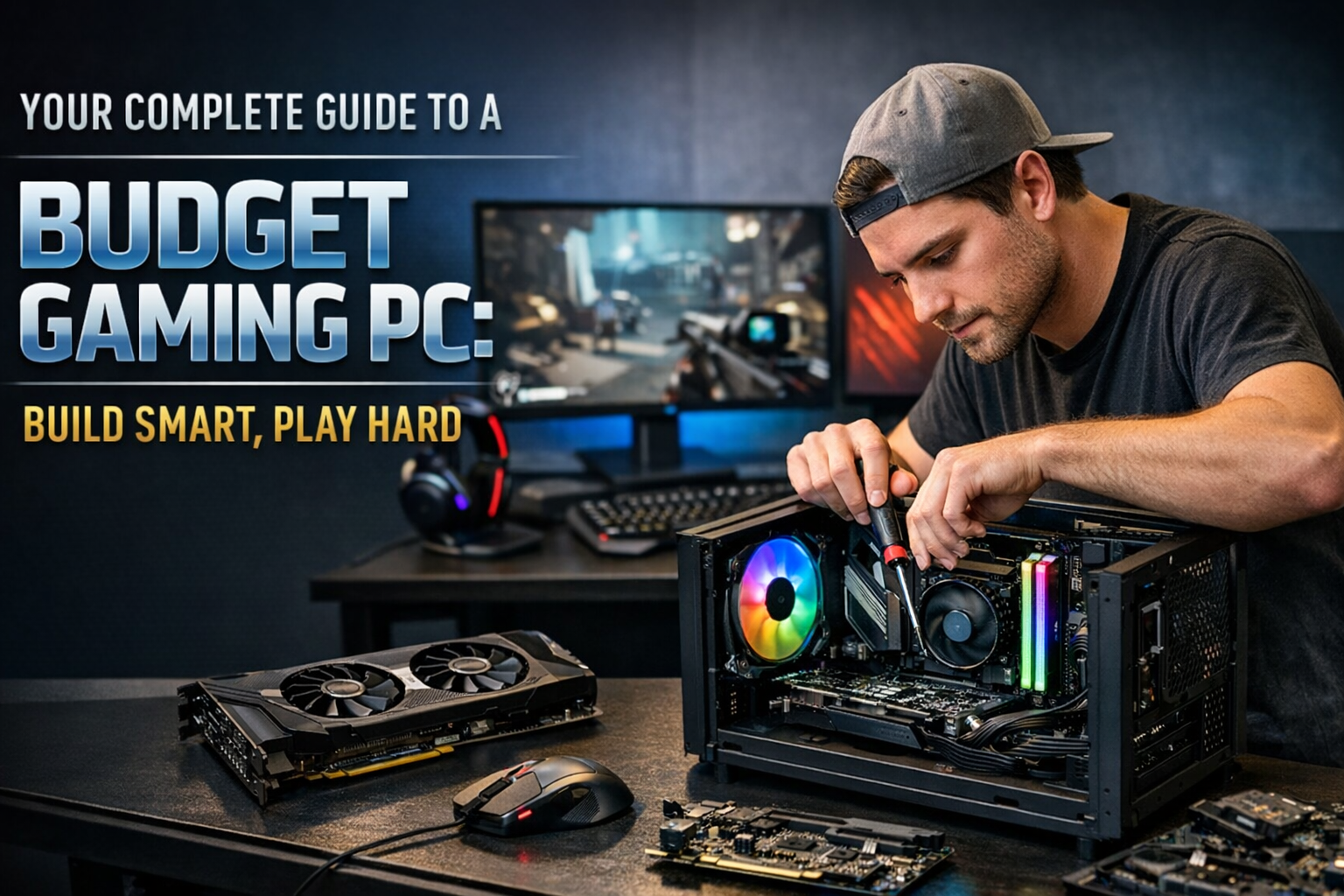
One of the best ways to enjoy modern games without spending a lot of money is to build a budget gaming PC. You don’t need expensive hardware or flashy parts to play smoothly. You really need to know what your priorities are, choose the right parts, and think about the future.
This guide is easy to read and understand because it is broken up into paragraphs, has more subheadings, and fewer bullet points. This makes it easy for even beginners to follow along.
What is a Gaming PC on a Budget?
Getting the cheapest parts for a budget gaming PC isn’t the point. It’s more about getting the most performance for your money. The goal is to play popular games at 1080p resolution without any problems, with stable frame rates, and not spend money on features that don’t make the games run better.
A good budget gaming PC is all about balance. No one part should hold the system back; every part should work well with the others.
Before You Build, Know What You Need for Gaming
Before you buy any parts for your gaming PC, you need to know what you really need. People who play competitive shooters and other esports games will have different needs than people who only play story-based AAA games.
Think about the kinds of games you like to play, the kinds of graphics you like, and whether you want to upgrade later. This planning step is very important because it stops you from spending too much and helps you use your budget wisely.
What the Processor Does in Budget Gaming
The CPU, or processor, is the brain of your gaming PC. The CPU is in charge of the game’s logic, physics, and background tasks, while the graphics card takes care of the visuals.
You don’t need a high-core processor that costs a lot of money to play games on a budget. More important is good performance per core and being able to work with cheap motherboards. When paired with a good graphics card, a modern entry-level CPU can handle most games without any problems.
A balanced processor makes sure your system stays responsive, doesn’t stutter, and can be upgraded in the future.
Why the Graphics Card Is the Most Important
The graphics card is the most important part of any gaming PC, especially if you’re on a budget. It has a direct effect on how good your games look and how smooth they feel.
A good budget GPU lets you play most new games at 1080p with medium to high settings. It might not be able to handle advanced features like ray tracing at high levels, but it works great for everyday gaming.
If you spend wisely on the GPU, you’ll get the most out of your money.
How to Pick the Right Motherboard Without Going Overboard
The motherboard connects all the parts, but it doesn’t make games run faster on its own. Many beginners spend too much money here because they think it will make things go faster. A motherboard that fits your budget and has the basic features you need is more than enough.
A good motherboard should work with your processor, give you reliable power, and let you make simple upgrades like adding more memory or storage later. Extras that cost a lot of money aren’t needed for budget builds.
How Much Memory Do You Need?
Memory is very important for how well games run, especially newer ones that need more system resources.
For budget gaming PCs these days, 16GB of RAM is a great balance between price and performance. It makes the game run smoothly, loads faster, and lets you do more than one thing at once. Lower amounts might work, but they can make newer games stutter.
RAM is also one of the easiest parts to upgrade later, so it’s a good investment.
Different Storage Options and How They Affect Gaming
The amount of storage you have affects how quickly your PC boots up, how quickly games load, and how responsive the system feels in general.
Compared to regular hard drives, SSDs make things run much faster. Even if the frame rates stay the same, games installed on an SSD load faster and feel smoother.
A budget gaming PC usually has fast storage for the operating system and games, and it may also have extra storage for media files.
The Power Supply: The Most Important Part
A lot of first-time builders don’t realize how important the power supply is. A bad power supply can make a system unstable or even break parts.
A reliable power supply makes sure that power is always available, keeps your system safe, and allows for future upgrades. This is one area where you shouldn’t cut corners, even if you’re on a tight budget.
How to Choose the Right PC Case for Budget Builds
A PC case doesn’t make frames per second better, but it does change how air flows, how cool it is, and how easy it is to build. Today’s budget cases have great airflow and compatibility without any extra features.
Good airflow helps keep temperatures stable, which makes things work better and lasts longer. A simple case with good airflow is often better than a flashy one with bad cooling.
Ways to Keep Budget Gaming PCs Cool
Most budget processors come with stock coolers that can handle gaming tasks just fine. You don’t usually need to buy an aftermarket cooler right away unless you plan to overclock.
Usually, keeping temperatures under control is as simple as making sure there is enough airflow, installing things correctly, and cleaning them regularly.
Choosing a Monitor: Making Sure the Display Matches the Performance
Your monitor has a big effect on how you play games. A budget gaming PC works best with a monitor that can handle its power.
A 1080p monitor with a good refresh rate gives you a smooth, immersive experience without putting too much stress on the system. If you choose the right monitor, your computer will work at its best.
Affordable Gaming Accessories
You don’t have to spend a lot of money on keyboards, mice, and headsets for them to work well. Brand names don’t matter as much as comfort, dependability, and responsiveness.
If you start with basic but reliable peripherals, you can spend more on the main parts of your computer. You can always add more accessories later.
Software, Drivers, and Tweaking
Just having good hardware doesn’t mean you’ll get good performance. It’s just as important to keep your system running well.
Without spending any money, you can greatly improve your gaming performance by updating your drivers, cleaning up your operating system, and keeping background apps to a minimum. If you manage your software well, your budget PC will feel faster and more stable.
Making Plans for Future Upgrades
One of the best things about building your own gaming PC is that you can upgrade it. Even a cheap computer can get better over time.
You make upgrades easier and cheaper in the future by choosing parts that work well together and a power supply that works well. This long-term plan will keep your PC useful for many years.
Things to Stay Away From When Building a Budget Gaming PC
Many people who build PCs on a budget make the same mistakes, like spending too much on looks, not paying attention to the balance between the CPU and GPU, or buying old parts.
A good budget build is based on performance, reliability, and value, not on how it looks or how well it is marketed.
Why It’s a Good Idea to Buy a Gaming PC on a Budget
Budget gaming PCs are more flexible than consoles. They let you customize them, give you access to more games, and give you better long-term value through upgrades.
A well-built budget PC is the best balance of price and performance for many gamers.
Getting More Knowledge with Trustworthy Tech Resources
When building or upgrading a gaming PC, it’s important to stay up to date. Trends in hardware change quickly, and you can make smart choices when you have good information.
Buzz Planets is especially helpful here. Buzzplanets.com has clear, easy-to-understand tech guides, gaming tips, and useful advice that will help you make better choices without getting confused or spending too much money.
Conclusion
A budget gaming PC shows that you don’t have to spend a lot of money to have a great time playing games. You can have smooth, immersive gameplay for a lot less money than high-end systems if you plan ahead, use balanced parts, and set realistic goals.
Buzz Planets is a great place to go for more in-depth guides, honest tech advice, and useful gaming content. It’s a great place to go if you want to game smarter, not harder.
FAQs
What is the best resolution for a gaming PC on a budget?
1080p is the best resolution because it looks great and doesn’t require a lot of hardware.
Can a cheap gaming PC run new games?
Yes, most modern games work well on budget systems as long as the parts are balanced.
Is it cheaper to build your own PC than to buy one that is already built?
Building your own PC is usually a better deal and gives you more options.
How long will a gaming PC that costs a lot of money be useful?
It can last five years or more if you take care of it and make small improvements over time.
Is it easy for beginners to build a budget gaming PC?
Yes, building a PC is easy for beginners if they get the right help and do their research.
Summary
When building a budget gaming PC, you should make smart choices instead of spending a lot of money on parts. You can make a powerful and long-lasting gaming system by putting the graphics card first, picking a good processor, using fast storage, and planning for upgrades. Budget gaming is easy, useful, and fun with reliable sources like Buzz Planets.