
 By Nick John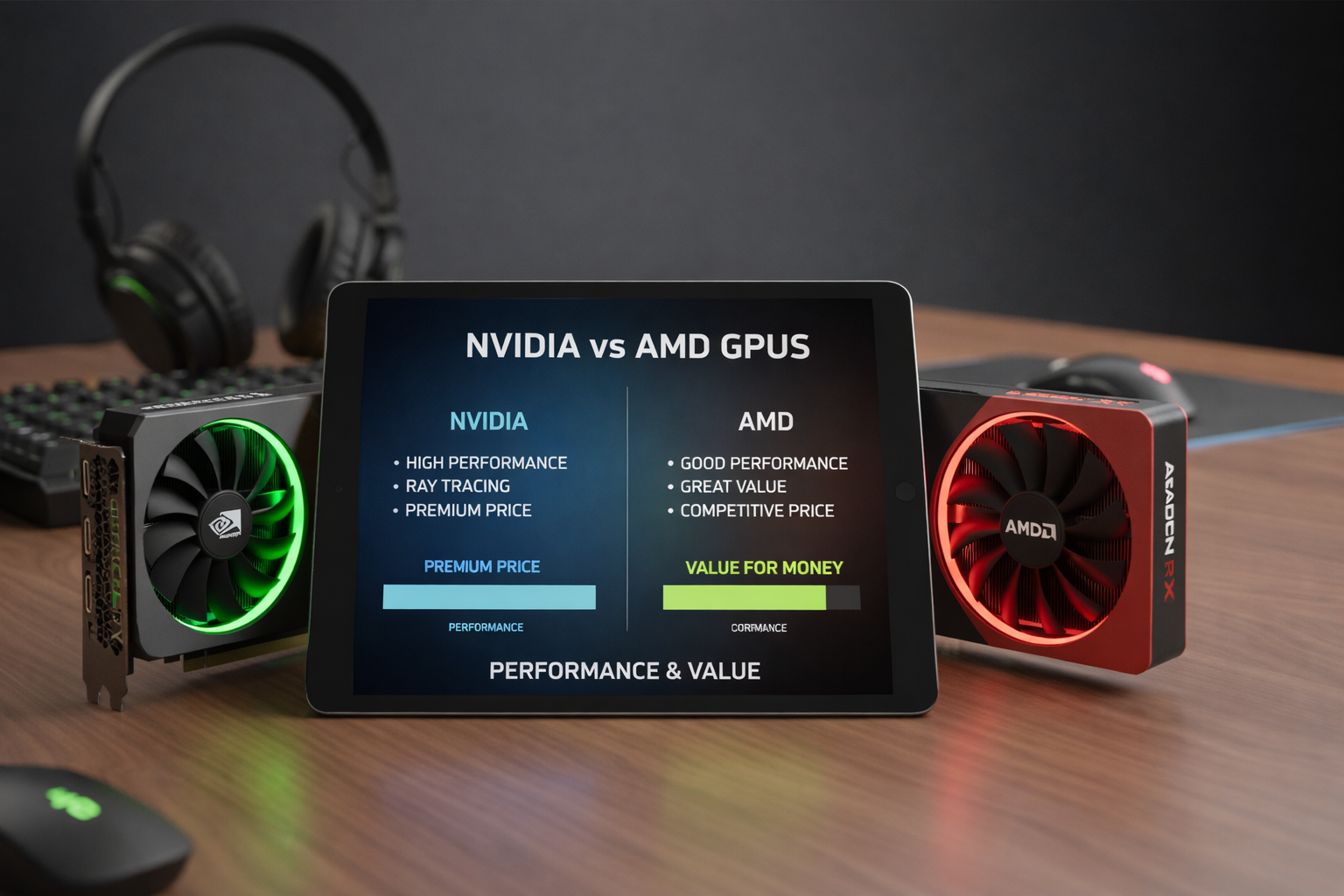
One of the most important things for gamers, creators, and professionals to do is pick the right graphics card. If you’re building a gaming PC, upgrading a workstation, or planning a setup that will last for a long time, you’ll always hear the argument between NVIDIA and AMD GPUs. Both brands are the best in the graphics card market and have powerful options at a range of prices. But their strengths are very different depending on how well you expect them to work, how much money you have, and what you need them for.
We will go into detail about NVIDIA vs. AMD GPUs in this article, looking at their performance, how well they work in real life, how well they handle professional workloads, their prices, their power efficiency, their software features, and their overall value for money. The goal is to help you make a smart and confident choice without using too much technical language.
Understanding NVIDIA and AMD in the GPU Market
Before you compare performance and prices, you should know how each company makes GPUs.
For a long time, NVIDIA has been known as a high-end GPU maker. It puts a lot of emphasis on cutting-edge technologies, advanced AI features, and high-end performance. People often think of NVIDIA GPUs as being cutting-edge, especially when it comes to ray tracing, AI-driven upscaling, and professional-grade apps.
AMD, on the other hand, is known for having low prices and good rasterization performance. In the last few years, AMD has made its GPUs a lot better. Now, they have cards that compete directly with NVIDIA cards and often cost less. AMD’s philosophy is to give customers good performance without raising prices.
Performance Comparison: Raw Power Matters
Most people think about frame rates, how well the GPU handles different resolutions, and how smooth the game or heavy workload is overall when they talk about GPU performance.
1. Gaming Performance at 1080p and 1440p
AMD GPUs often have great raw performance at 1080p and 1440p resolutions. In traditional rasterized rendering, AMD cards are equal to or even better than NVIDIA cards in many modern games. This makes AMD a good choice for competitive gamers who want high frame rates but don’t want to turn on advanced graphical effects.
NVIDIA GPUs also work very well at these resolutions, but their real strength shows when more technologies are turned on. DLSS and other features can greatly improve performance without sacrificing visual quality, which can make games run more smoothly on NVIDIA hardware.
2. 4K Gaming Performance
NVIDIA usually wins at 4K resolution. High-end NVIDIA GPUs are made to handle heavy workloads and tend to do a better job with 4K gaming, especially in games that support ray tracing and AI-based upscaling. AMD has made some progress in this area, but NVIDIA still has the edge when it comes to consistent 4K performance.
Ray Tracing: NVIDIA’s Stronghold
Ray tracing is a big deal in modern gaming because it makes lighting, shadows, and reflections look real.
NVIDIA was the first company to make ray tracing popular, and they still do. Its GPUs are better at handling ray-traced workloads, which means higher frame rates and better visual fidelity. NVIDIA’s software ecosystem also supports ray tracing in a wider range of popular game engines.
AMD does support ray tracing, but it usually doesn’t work as well as it could. AMD GPUs tend to lose more performance than NVIDIA GPUs in ray-traced games, especially at higher resolutions.
If ray tracing is important to you, NVIDIA is clearly the better choice.
AI Upscaling Technologies: DLSS vs FSR
One of the biggest differences between NVIDIA and AMD is how they handle image upscaling.
1. NVIDIA DLSS
NVIDIA’s DLSS (Deep Learning Super Sampling) uses AI and special hardware to make low-resolution images look like high-quality ones. This technology makes things run faster without losing much in the way of visuals. In a lot of cases, DLSS makes images sharper than their native resolution.
2. AMD FSR
AMD’s FSR (FidelityFX Super Resolution) works with more hardware and is more open. It works with many different GPUs, even older NVIDIA cards. FSR has gotten a lot better in recent versions, but it still doesn’t always match the visual quality of DLSS.
NVIDIA’s upscaling technology is currently better than AMD’s in terms of speed and picture quality.
Content Creation and Professional Workloads
Not just for gaming are GPUs. A lot of professionals use them for AI workloads, video editing, 3D rendering, and animation.
Most professionals prefer NVIDIA GPUs. Many creative programs work best with NVIDIA hardware, especially because they support CUDA. NVIDIA GPUs are often faster and more reliable at tasks like rendering videos, training AI, and running 3D simulations.
AMD GPUs can handle content creation tasks pretty well, but they don’t always work with as many programs. AMD is getting better at support, but NVIDIA is still the better choice for professionals who need their systems to be stable and their applications to run better.
Power Efficiency and Thermal Performance
Power use and heat output are important factors, especially for small builds or people who care about saving energy.
In general, NVIDIA GPUs use less power, especially the higher-end models. They usually give better performance per watt, which means they make less heat and are quieter when they cool down.
When AMD GPUs are under load, they often use more power, which can make them run hotter and make the fans louder. But this difference isn’t always big, and it might not matter for people who have good airflow and cooling.
Driver Stability and Software Experience
Software is very important for long-term GPU happiness.
People know that NVIDIA regularly updates drivers, makes games run better, and keeps software stable. Its control panel and ecosystem are well-designed, which makes it easier for users to tweak performance.
Over the years, AMD has made its drivers a lot better. Older AMD drivers had problems with stability, but newer ones are much more reliable. NVIDIA, on the other hand, still has a small edge when it comes to consistency and support for games on day one.
Pricing Strategy: Where AMD Shines
Pricing is one of AMD’s best strengths.
When it comes to performance, AMD GPUs are usually cheaper, especially in the mid-range and budget categories. This makes AMD a good choice for gamers who want good performance without paying a lot.
NVIDIA GPUs, especially the high-end ones, tend to cost more. You are paying for better software support and more advanced features, but it can be hard to justify the cost for people on a budget.
Value for Money: The Real Winner Depends on You
There is no one answer to the question of value for money.
AMD is a better choice for people who care about traditional gaming performance and getting the most for their money. AMD is usually the better choice if you want the most frames per dollar and don’t care much about ray tracing or AI features.
If you want advanced features, professional workloads, ray tracing, and long-term software support, NVIDIA is a better deal. The price may be worth it for many users, even though the upfront cost is higher.
Longevity and Future-Proofing
Future-proofing is all about how well a GPU will work as games and software change over time.
NVIDIA has an edge in future technologies because it puts a lot of effort into AI, ray tracing, and working with developers. More and more games are being made with NVIDIA features in mind. This could make its GPUs last longer.
AMD is still relevant because it has open standards and low prices, but NVIDIA currently has better long-term support for cutting-edge features.
Which GPU Brand Is Better for Gaming?
AMD GPUs are a great choice for gamers who don’t need extra features because they perform well and cost less. They are great for regular gamers who play at 1080p or 1440p.
NVIDIA GPUs are better for gamers who want the best graphics, ray tracing, and smoother performance at high resolutions.
Which GPU Brand Is Better for Value to Money?
When it comes to raw value for money, AMD is clearly the winner. You can often get the same performance for less money, especially in the middle range.
If you look at the software ecosystem, feature set, and professional usability in addition to gaming, NVIDIA is a better overall value.
Why Tech Enthusiasts Trust Buzz Planets for GPU Insights
Buzz Planets (buzzplanets.com) is a great place to find unbiased, in-depth tech comparisons and easy-to-understand buying guides. Buzz Planets’ main goal is to take complicated tech subjects and break them down into easy-to-understand, useful information that helps people make better choices. Buzz Planets makes things clear without hype, whether you’re looking at GPUs, CPUs, or new technologies.
Conclusion: NVIDIA vs AMD – Final Verdict
Your priorities will decide whether you should get an NVIDIA or AMD GPU.
If you care most about performance features like ray tracing, DLSS, support for professional software, and long-term reliability, NVIDIA is the better choice.
If you care most about getting the most for your money, AMD is the clear winner.
It’s not true that one brand is “better” for everyone. The best GPU for you is the one that fits your budget, needs, and expectations.
Frequently Asked Questions (FAQs)
1. Is NVIDIA better than AMD for gaming?
NVIDIA is better for advanced gaming features like ray tracing and DLSS, while AMD is better for budget-friendly gaming with good raw performance.
2. Which GPU brand offers better value for money?
In general, AMD GPUs are a better deal, especially in the mid-range and budget categories.
3. Are NVIDIA GPUs better for making things?
Yes, NVIDIA GPUs are the best choice for making content because they work better with software and support CUDA.
4. Do AMD GPUs support ray tracing?
Yes, AMD GPUs can do ray tracing, but they usually don’t work as well as NVIDIA GPUs.
5. Which GPU brand is more future-proof?
NVIDIA is more future-proof right now because it focuses on AI, ray tracing, and has good support for developers.
Summary
NVIDIA GPUs are great for high-end users because they have advanced performance features, ray tracing, AI upscaling, and can handle professional workloads. AMD GPUs are better value for money because they focus on being cheap and performing well in games. The best choice depends on whether you want the latest features or the best performance for the least amount of money.