
 By Nick John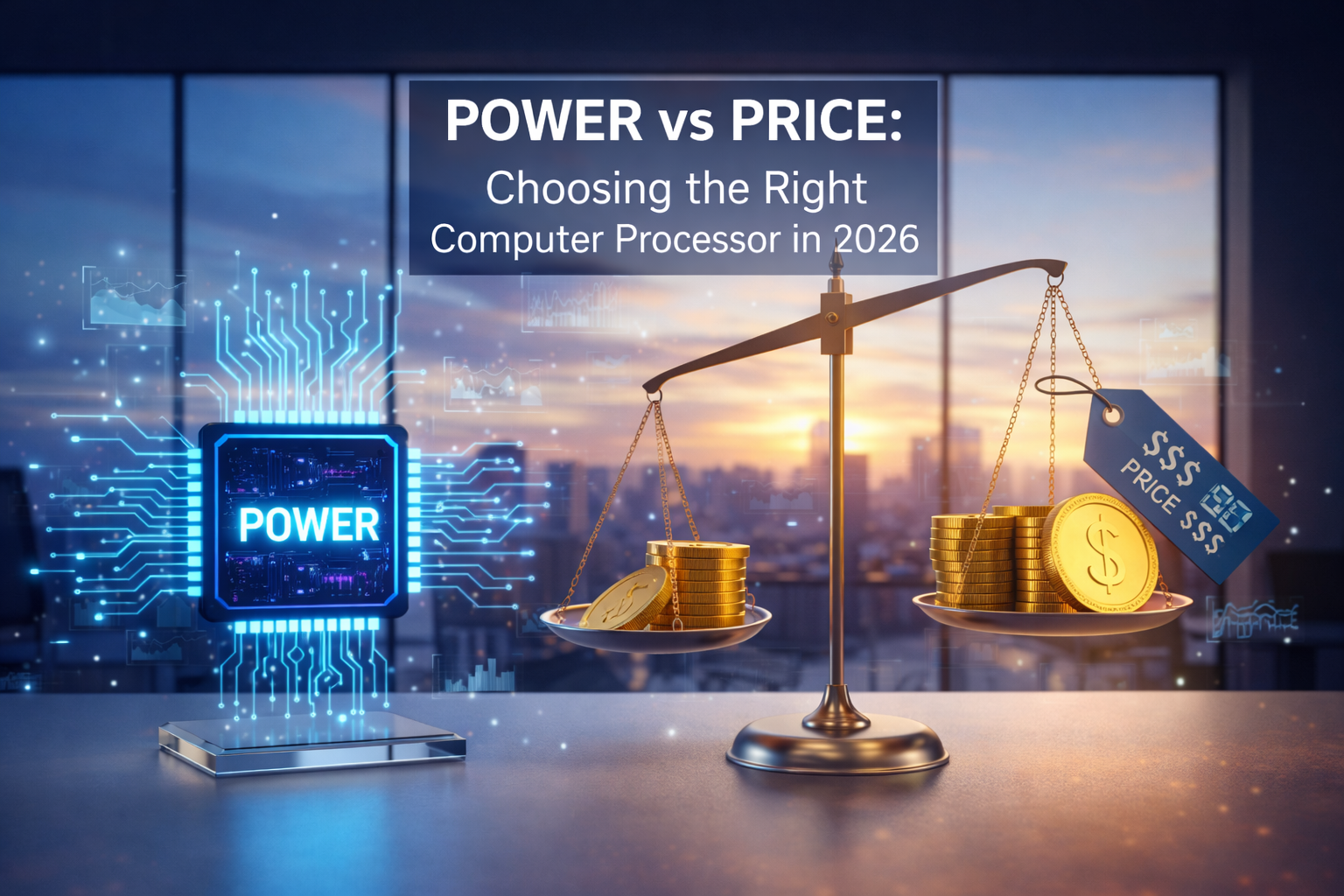
The processor, also known as the CPU (Central Processing Unit), is at the heart of every computer. It is the part that runs commands, processes data, and makes sure that your system responds smoothly to every click, command, and calculation. The processor directly affects how fast and smoothly your experience will be, whether you’re browsing the web, editing videos, playing games, or using complicated business software.
Processor technology has changed quickly in the last few years. Competition between big companies has gotten tougher, which has led to faster speeds, better power efficiency, and more choices for people with different budgets. As a result, buyers today have a common problem: which processor is the best value for money and which one has the best performance?
This in-depth guide explains computer processors in a way that is easy to understand. We will look at how processors work, compare the best brands, look at performance versus price, and help you choose the best option for your needs.
What Is a Computer Processor? A Simple Explanation
The brain of a computer is its processor. It does math, makes choices, and makes sure that software and hardware work together. The processor handles everything you do on a computer, from opening a file to playing a 4K video.
Modern processors are very complicated. They have billions of tiny transistors on a small silicon chip. These transistors turn on and off very quickly, which lets the processor handle millions or even billions of instructions every second.
The quality of a processor affects more than just speed. It also affects how well it can do more than one thing at once, how much power it uses, how much heat it makes, and how long the whole system lasts. One of the most important things to think about when buying or building a computer is which processor to get.
Key Processor Specifications You Should Understand
It’s important to know the basic specs that determine how well a processor works before comparing brands and models.
1. Clock Speed and Why It Still Matters
Clock speed, which is measured in gigahertz (GHz), tells you how many cycles a processor can do in one second. In general, a higher clock speed means faster performance, especially for older software or basic applications that only use one thread.
Clock speed alone, though, doesn’t tell you how well something will work in the real world. Two processors with the same GHz rating can work very differently depending on how they are built and how many cores they have.
2. Cores and Threads: The Multitasking Power
Modern processors have more than one core, and each core can do its own tasks. More cores make it easier to do more than one thing at once and make programmes like video editing, 3D rendering, and gaming run better.
Threads are like virtual extensions of cores that let a single core handle many tasks at once. A processor with more threads can handle heavy workloads more easily.
3. Cache Memory: Speeding Things Up Behind the Scenes
Cache is a small amount of very fast memory that is built into the processor. It keeps data that is used often so the CPU can get to it quickly without having to use slower system RAM. Larger cache sizes usually make things run faster, especially when playing games or doing work.
4. Power Efficiency and Thermal Design
Power use shortens the battery life of laptops and raises the cost of electricity for desktops. Efficient processors make less heat, need simpler cooling systems, and often last longer when they have to work hard all the time.
Processor Architectures: x86 vs ARM
The architecture of a processor tells you how it is built and how it runs programmes. x86 and ARM are the two most popular architectures right now.
1. x86 Architecture
Most traditional desktops and laptops use x86 processors. They are known for being fast, working with a lot of different software, and being able to do many things at once.
Intel and AMD are two of the biggest x86 chipmakers. They both make a lot of different CPUs for gamers, professionals, and regular people.
2. ARM Architecture
ARM-based processors are made to be efficient. They use less power and are common in smartphones, tablets, and more and more laptops.
Companies like Apple and Qualcomm have made ARM processors popular in computers by giving them great performance and long battery life.
Intel Processors: Performance Leadership with Stability
Intel has been the most important company in the processor market for a long time. Its CPUs are known for being fast on single-core tasks, great for gaming, and working with a wide range of software and hardware.
1. Strengths of Intel Processors
Intel processors are great for tasks that need a lot of single-core speed. Intel CPUs are very good at running a lot of games and everyday apps. Intel also has advanced technologies for professionals and content creators, like AI acceleration and fast internet connections.
2. Weaknesses and Pricing Considerations
Intel processors are often more expensive than those from other companies that offer similar multi-core performance. Some high-end models may also use more power, which means they need better cooling systems.
AMD Processors: Exceptional Value and Multicore Power
AMD has changed the processor market by offering high performance at low prices. AMD CPUs have become very popular with both professionals and people on a budget in the last few years.
1. Why AMD Is Loved by Value Seekers
Most of the time, AMD processors have more cores and threads and cost less. This makes them great for doing more than one thing at a time, like streaming, editing videos, and other tasks that need more than one core.
2. Why AMD Is Loved by Value Seekers
AMD used to be behind Intel when it came to gaming performance, but now their processors are very close to Intel’s. AMD is a great all-around choice because power efficiency has also gotten a lot better.
Apple Silicon: Redefining Performance per Watt
Apple’s switch to its own ARM-based processors has changed what people expect from laptops and desktops.
1. Performance Meets Efficiency
Apple processors work very well and use a lot less power than regular x86 CPUs. This means that it runs quietly, has a longer battery life, and works well even when it’s under a lot of stress.
2. Limitations to Consider
You can only get Apple processors in Apple devices. People who only use Windows or older programmes may have trouble with software compatibility.
Performance Comparison: Which Processor Is the Fastest?
When it comes to raw performance, Intel and AMD’s high-end desktop processors are the best in benchmarks. These CPUs are made for gaming, professional rendering, and heavy data tasks.
Intel is often the best choice for gamers because it has the best single-core performance. AMD often gives better performance for multi-core tasks at a lower price, especially when it comes to productivity tasks.
Apple processors are better at performance per watt than at raw power. Apple’s CPUs are some of the best for everyday users and creative professionals who care about getting things done quickly.
Value for Money: Getting the Most for Your Budget
What you need from your computer will determine how much value it has for money.
People on a budget often choose AMD processors because they are cheaper and work well. There is a lot of competition between Intel and AMD in the mid-range market, which means that both brands have great options.
The choice is more complicated for premium users. Intel has the best gaming performance, AMD has the best value for multicore processors, and Apple has the best efficiency and integration with other devices.
Choosing the Right Processor for Your Use Case
1. For Everyday Users
If you mostly use your computer for browsing, office work, streaming, and light multitasking, a mid-range Intel or AMD processor is more than enough. ARM-based laptops also have great battery life for everyday use.
2. For Gamers
Single-core speed and compatibility are very important for gaming performance. Both Intel and AMD make great gaming CPUs, but Intel is usually a little better at high-frame-rate gaming.
3. For Content Creators and Professionals
Processors with more cores and threads are better for video editors, designers, and developers. AMD processors are a great deal here, while Apple processors are best for creative workflows that have been optimised.
Future Trends in Processor Technology
The future of processors is in making them more efficient, adding AI, and giving them different cores for different tasks. More and more people are using hybrid designs that combine performance and efficiency cores.
ARM processors are likely to take over more of the laptop and desktop market, while x86 processors keep getting better at being more efficient and powerful.
What Should You Choose
Finding the right processor means finding the right balance between performance, price, and use. Don’t pay for power you don’t need. Instead of just looking at benchmark numbers, think about long-term value.
Before you make a choice, look into how well it works in the real world, whether it works with other software, and what upgrades you might want to make in the future.
Why Buzz Planets Is Your Go-To Tech Guide
Buzz Planets (buzzplanets.com) is the best place for you if you like technology content that goes into great detail but is still easy to understand. We write about processors, gadgets, new tech trends, and buying guides that will help you make smart choices without using too much jargon. Before you buy your next piece of tech, be sure to check out Buzz Planets for expert opinions and useful tips.
Conclusion
There isn’t one “best” processor for everyone. Intel is the best for gaming and single-core tasks, AMD is the best for value and multicore workloads, and Apple is the best for efficiency and performance when everything is built in.
The best processor for you is the one that fits your needs and budget. You can confidently choose a CPU that gives you the right balance of power and price if you know how processors work and what each brand has to offer.
FAQs
1. Which processor brand is best overall?
There is no one best brand. Depending on your needs for performance, value, and efficiency, Intel, AMD, and Apple are all good at different things.
2. Is a higher GHz processor always faster?
Not always. The architecture, the number of cores, and the cache all have a big effect on how well something works in the real world.
3. Are AMD processors good for gaming?
Yes, modern AMD processors work great for gaming and are very close to Intel.
4. Are ARM processors better than x86 processors?
ARM processors use less power, while x86 processors work with more devices and sometimes have better raw performance.
5. How long does a processor usually last?
For most people, a good processor can easily last 5 to 8 years, depending on how much work they do and how quickly technology changes.
Summary
The speed and efficiency of a computer are determined by its processors. Intel has great single-core and gaming performance, AMD has great value and multicore power, and Apple has the best efficiency with ARM-based designs. Your usage, budget, and ecosystem preference will determine which is best for you.